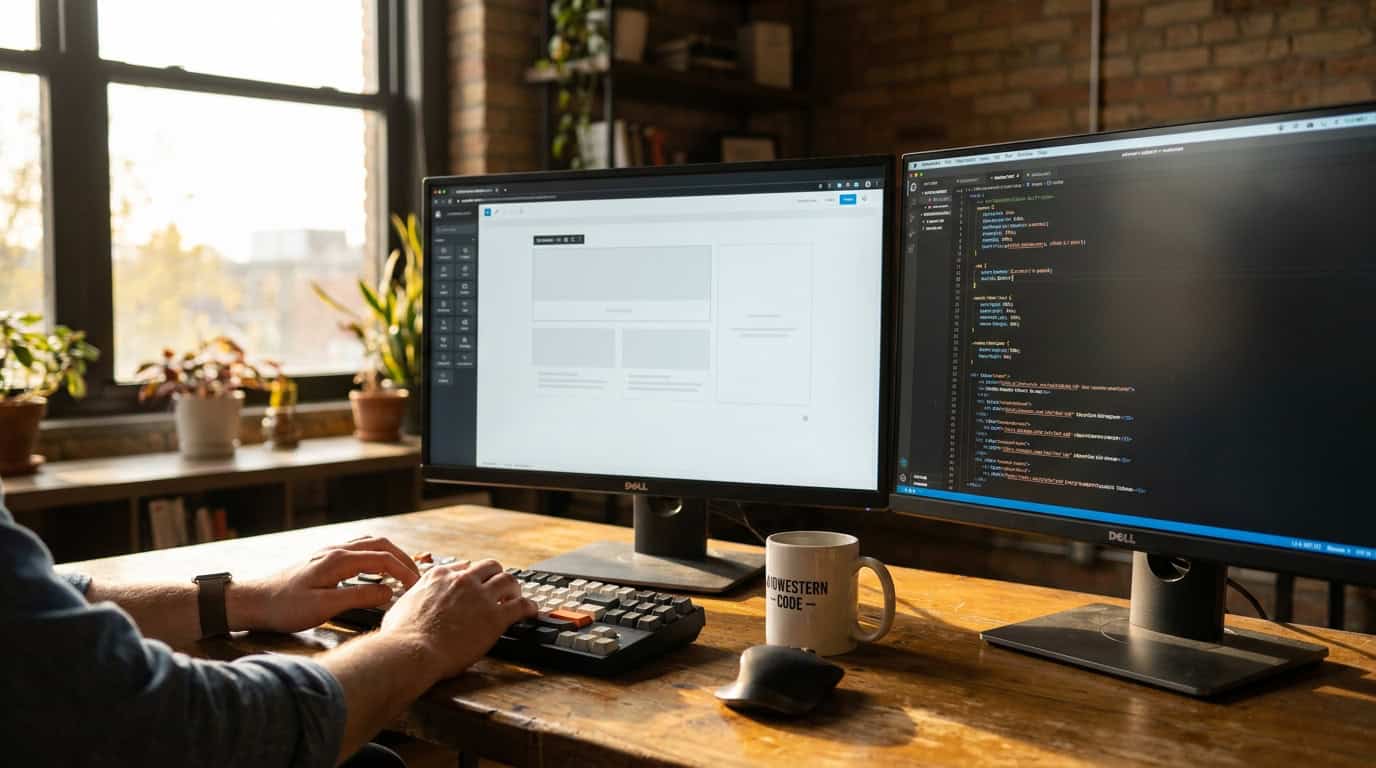
Almost every website we build starts inside a page builder. That is not a confession. It is a choice we make on purpose, every time, and it is one of the reasons our quotes come in where they do.
But “we use a page builder” tells you almost nothing, because the phrase covers two very different kinds of tools and two very different kinds of shops using them. One kind saves a skilled builder time. The other kind stands in for skills a shop never had.
By the end of this post you will know which kind you are talking to, and you will have three questions that make the difference impossible to hide.
The two kinds of page builders
A page builder is software inside your website that lets pages be assembled visually instead of typed out as code. So far, so good. The split is in who the tool expects to be driving.
Consumer builders are built so that nobody has to know how a website works. Everything is a preset. That sounds friendly, and for a hobby site it genuinely is. The cost shows up in what the tool produces: pages that carry a lot of extra weight, and a layout you can only change in the ways the presets allow. When the preset does not cover what your business needs, the usual answer is another plugin bolted on top.
Developer-focused builders assume the person driving can write code, and exist to save that person time. We build with three of them: Oxygen, Breakdance, and Bricks. They produce lean pages, and they let us write real code inside them whenever a design calls for it. When a client needs something the tool did not anticipate, the tool does not fight us.
Think of it like kitchen equipment. A stand mixer in a bakery saves a baker hours on work they could do by hand. The same mixer does not turn someone who cannot bake into a baker. The tool is only ever as good as the hands on it.

Why we reach for a builder at all
Honesty cuts both ways here, so let’s start with the part that might sound like the other side’s argument: we could hand-code every site we ship. We choose not to, and you would not want to pay for it.
Laying out pages by hand is slow, and most of that slowness is repetition rather than craft. A builder collapses the repetitive part. The hours we do bill go into the parts that actually move the needle for a business. How the site sells, how fast it loads, how it ranks, and the custom pieces that make it yours instead of a template.
That is the whole trade. The builder saves time on work we know how to do without it. Which is exactly why the tool has to be one that gets out of the way when we need to go deeper. This is most of what our approach to design and development comes down to: the tool serves the build, never the other way around.
The crutch problem
Here is the industry pattern worth being blunt about. A lot of web shops cannot build a site without their builder. The builder is not saving them time. It is doing the part of the job they never learned.
You cannot see that from the outside, because the finished sites look fine on launch day. The difference shows up later, and it shows up as bills.
Something breaks after an update, and the shop cannot fix it, because the fix lives in code they cannot read. A feature you need does not exist as a preset, so another plugin gets stacked on, and each one adds weight, cost, and another thing that can break. The site slows down year over year and nobody can say why. Every one of those moments turns into either an invoice or an apology.
And to be fair to the other side: a shop being honest about this is not doing anything wrong. A solo designer using a consumer builder openly, at a price that reflects it, is a fair deal for a simple site. The problem is that shops which can code and shops which cannot quote the same projects, use the same word for their tools, and look identical on a sales call.
What we check before we build on any tool
We are picky about which builders we will touch, and the test is always about what happens to the client later, not about what feels nice to build in today.
- Does it produce clean, fast pages? If the tool adds weight the design did not ask for, it fails.
- Can we drop into real code anywhere? The moment a tool caps what a developer can do, it caps what your business can ask for.
- Does your content stay in WordPress’s normal storage? Text, products, and posts should live where WordPress keeps them, so they survive any change of tools later.
- Is the yearly license cost something we would put on a quote in writing? Builders carry renewal fees. You should see that number before you sign, not discover it in year three.
Tools have failed this test, and when one starts failing it after we have built on it, keeping those sites healthy is part of the ongoing care we already do. Being selective going forward is what keeps that list short.
Three questions that reveal which shop you are talking to

You do not need to learn web development to protect yourself. Ask these before you sign anything:
- “If the builder can’t do something my business needs, what happens next?” The right answer involves writing code. A list of extra plugins is the wrong answer wearing a helpful tone.
- “What does my site cost per year in software licenses, in writing?” A shop that knows its tools can answer in a minute. Hesitation here predicts surprise renewals later.
- “Could you build this site without a page builder if you had to?” The tool being the fast way is fine. The tool being the only way is the crutch.
None of these are gotcha questions. A good shop will enjoy answering them, because the answers show off exactly the things they are proud of.
If you are sizing up a project right now and want to hear how we would answer all three for your site, that conversation is free. Bring the hard questions. They are the fun part.